


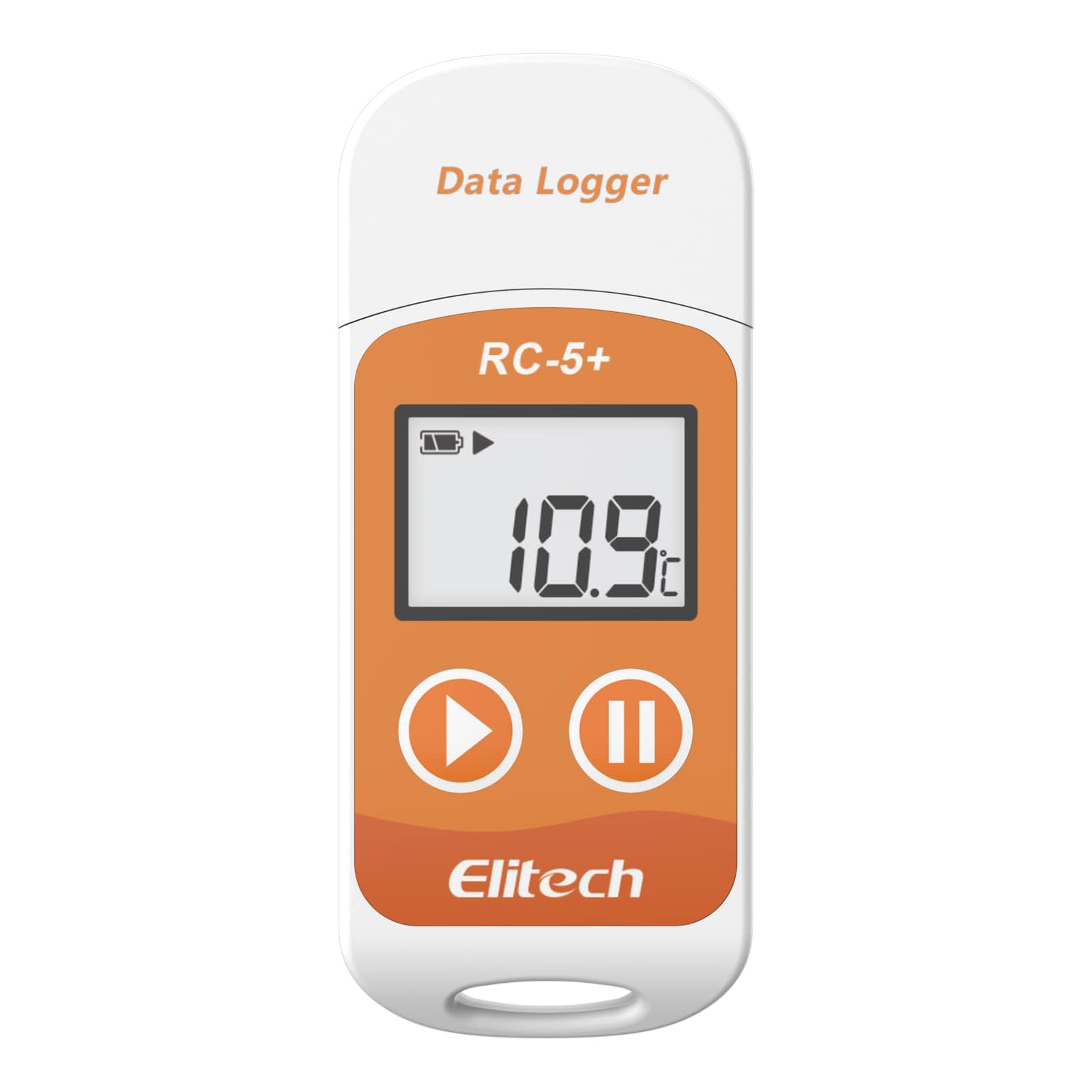
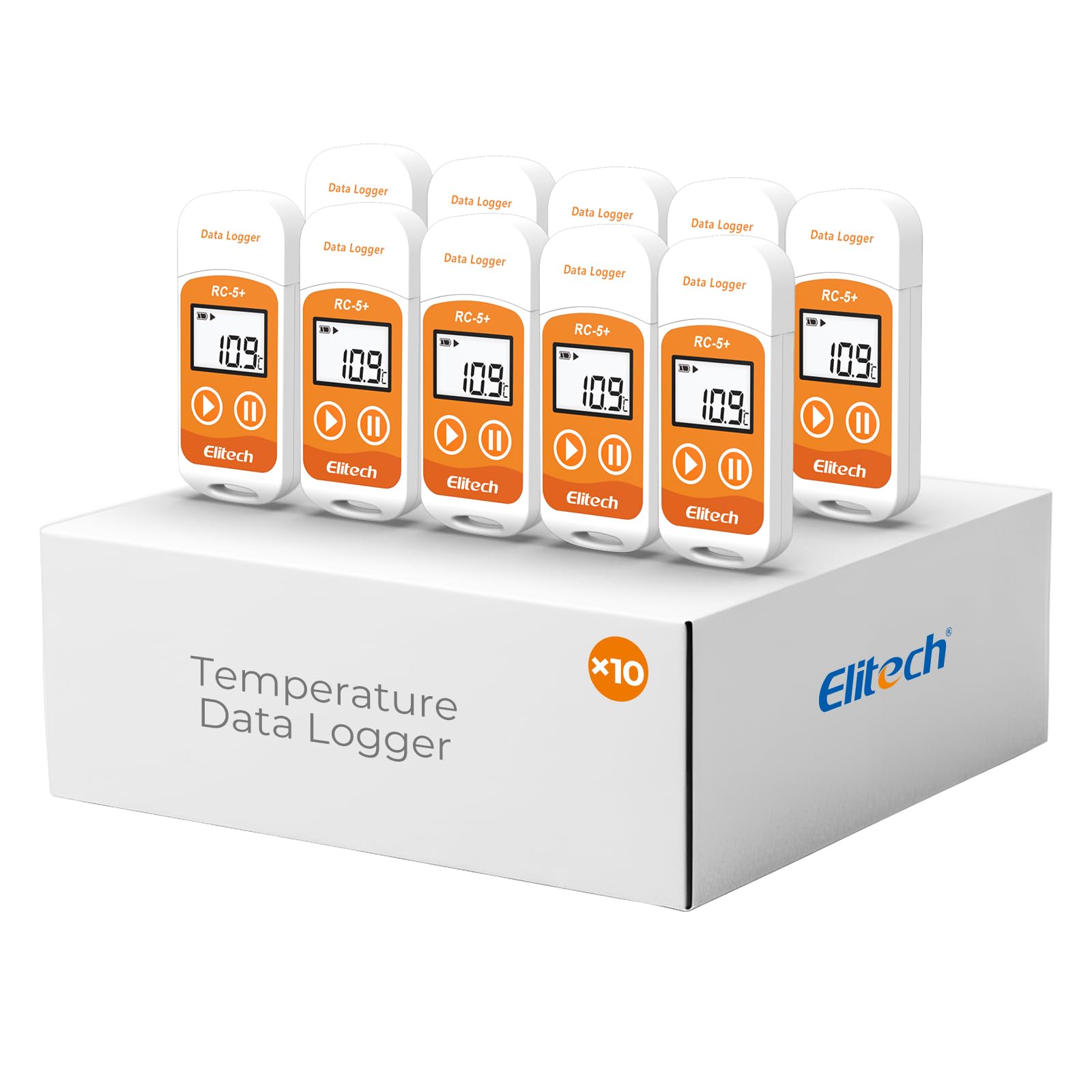
Elitech RC-5+Digital PDF USB Temperature Data Logger Reusable Recorder Refrigerator Thermometer 32000 Points High Accuracy
3 sold in last 24 hours
- REUSABLE TEMPERATURE DATA LOGGER. Wide temperature measuring range -22°F~158°F(-30°C ~+70°C). Highly temperature accuracy (±0.9°F). Perfect for the transportation and storage of pharmaceuticals, frozen food, fresh food, vegetable, fish, and so on.
- AUTO PDF/EXCEL REPORT. Built-in USB port, generate PDF report automatically after connecting to PC or Android Phone, no software needed. Encryptable via PC.
- LCD VISUAL DISPLAY. Press the button to check key information: current temperature value, Max or Min value since recording, Current Date, Logging points.
- MULTIPLE START OPTION & ALARM SETTINGS. Start options: Press the button on the data logger; Pre-set time start or Start delay on Elitechlog software; Alarm Settings: Support up to 5 alarm settings, safeguard the valued items all over. 【Compared to Elitech RC-5】Restart by button pressing. Lower power consumption: Battery life up to 6 months. The external temperature sensor is optional. Temperature record points up to 32,000 points. IP 67 waterproof protection.
- FREE ELITECHLOG SOFTWARE FOR WINDOWS & MACOS. Parameters programmed before leaving the factory: Log interval - 2 mins; Press button to start. The desired parameters also can be set on Elitechlog software: Temperature unit - °C/°F, Log interval, Temperature alarm range, etc. 24/7 US Technician Support via Email and Phone.
Tags |
Estimated shipping
Select a product to estimate shipping.Technical Specifications
How to use the data logger for the first time?
1. Install Elitechlog software. Insert the device into a computer USB port.
2. Click ""set parameter"" and then click ""save parameter"" to exit.
3. Press and hold the left button for more than 4 seconds to start recording.
How to Reset & Reuse the Logger?
Click "Quick Reset" to reset the original parameters settings. Disconnect the device from your computer to start using it again.
Note: Please read and save the historical data before parameter settings or the data will be clear.
How to clear the recorded data?
The recorded data can be cleared by the data management software by setting parameters.
How to obtain recorded data?
1. Plug the data logger to a computer USB port, the icon will light in the screenafter connection.The green LED indicator will light at the same time.
2. Open the data management software, the data logger will connectautomatically and upload data.
How to download and install the data management software Elitechlog?
Please download and install the free ElitechLog software (macOS and Windows) from Elitech US: elitechus.com. Search 'Elitechlog' in the APP store to obtain MAC software.
Product details

| Main Specification | |
|---|---|
| Įtraukti komponentai | Naudojimo instrukcija or calibration certificate |
| Gamintojas | Elitech |
| Vienetų skaičius | 1 Skaičius |
| Preparato priežiūros instrukcijos | Wipe Clean |
| Baterijos skaičius | 1 Lithium Metal Batteries Required. (Included) |
| Specifikacijų rinkinys | Iso 9001 |
| Outer Material | Plastic |
| Ekrano tipas | Digital |
| Prekės ženklas | Elitech |
| UPC | 608473992190 608473992749 |
| Jungties technologija | USB |
| Modelio pavadinimas | US-RC-5plus |
| Energijos šaltinis | Akumuliatoriaus galia |
| Pakartotinumas | Pakartotinis naudojimas |
| Amžius (aprašymas) | Suaugusieji |
| Spalva | Celsius(℃) |
| Ypatingasis bruožas | High Accuracy |
| Svoris | 1.44 uncijos |
| Product information | |
| Response Time | 2000 milliseconds |
| Technical Details | |
| Dalies numeris | RC-5+ |
| Pavyzdys | RC-5+ |
| Baterija | 365 days |
| Item details | |
| Lauko naudojimas lauke | Lauke or Vidinis |
| Amžius | Suaugusieji |
| Style | |
| Stilio pavadinimas | Contemporary |
| Features & Specs | |
| Papildomos savybės | High Accuracy |
| Others | |
| Produkto tipas | Data Loggers |
| Upper Temperature Range | 158 °F |